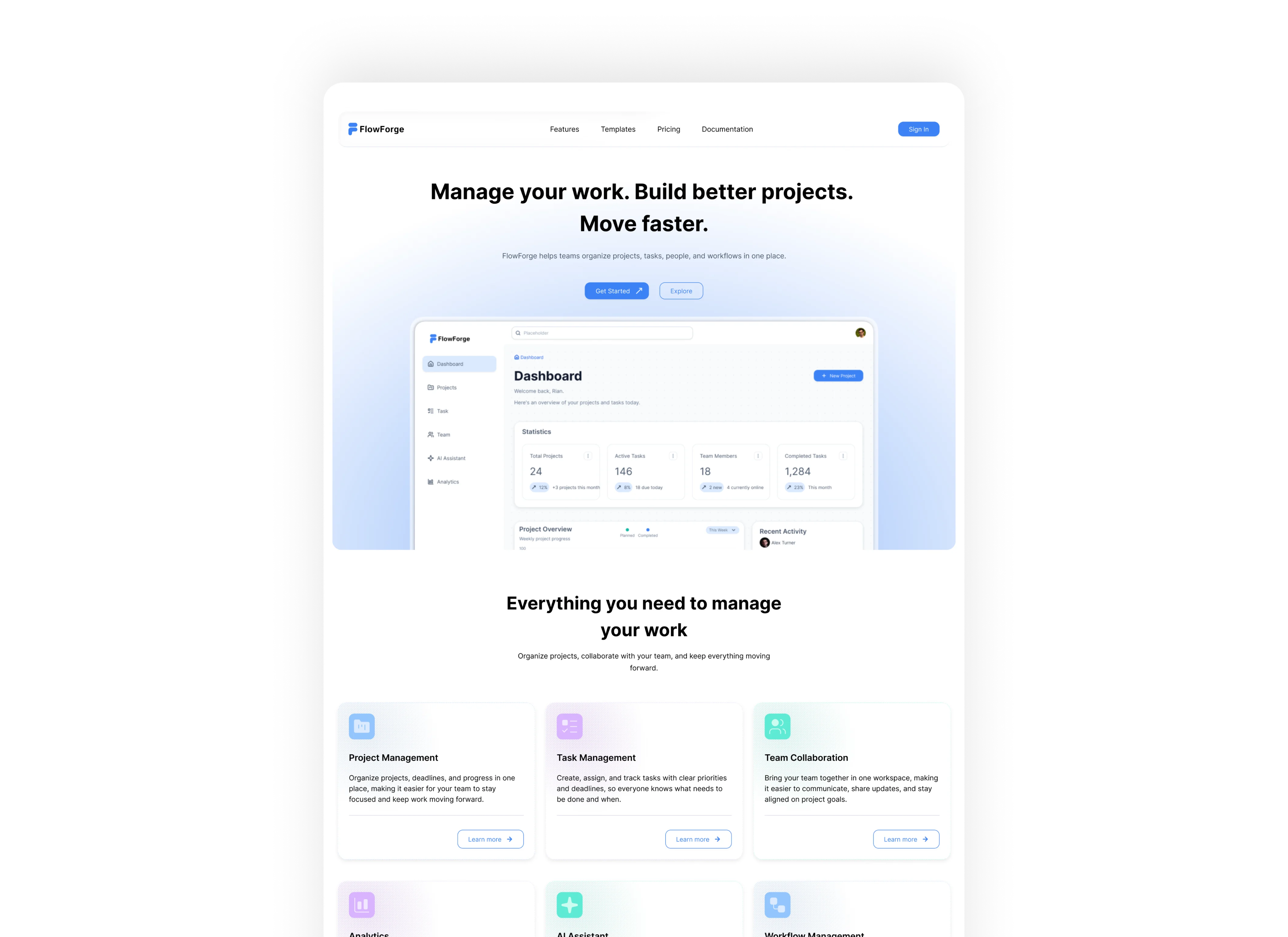
FlowForge
A focused digital experience designed to simplify complex workflows through clear structure and thoughtful interaction.
Read case study: FlowForgeWorkCase study 01
An event discovery and ticketing platform designed to make discovering and purchasing event tickets easier and clearer.
Overview
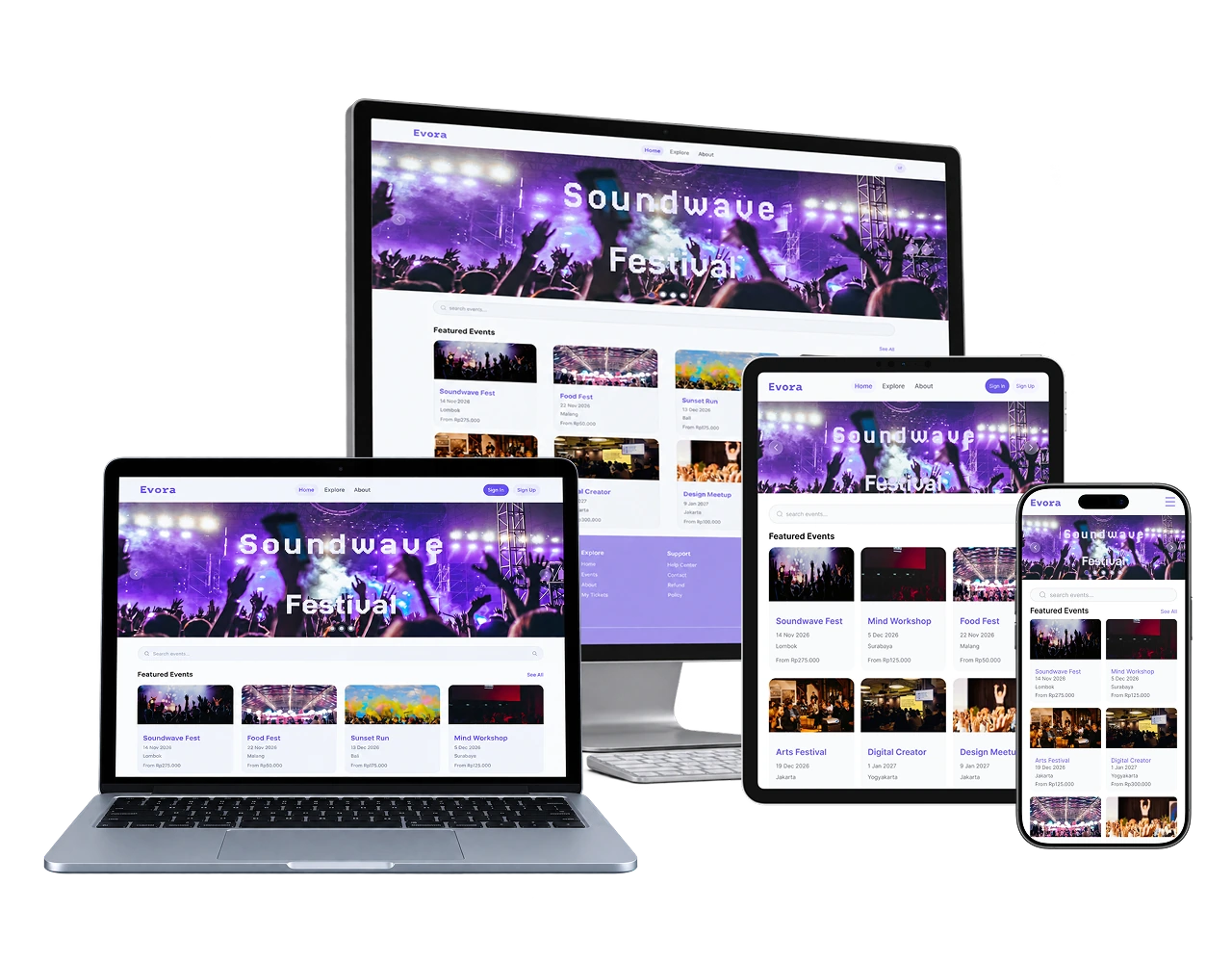
Evora is an event discovery and ticketing platform designed to make it easier to discover events, understand important details, and purchase tickets with confidence.
Design process
Problem → Solution
The problem
People often discover events through friends and social media, but important information can be scattered across different sources. Details such as performers, date, exact location, ticket prices, and discounts can be difficult to find, making the decision to attend less clear.
The solution
Evora brings event discovery and ticket purchasing into one structured experience, helping users explore events, understand the details that matter, compare ticket options, and complete their purchase with greater confidence.
Persona
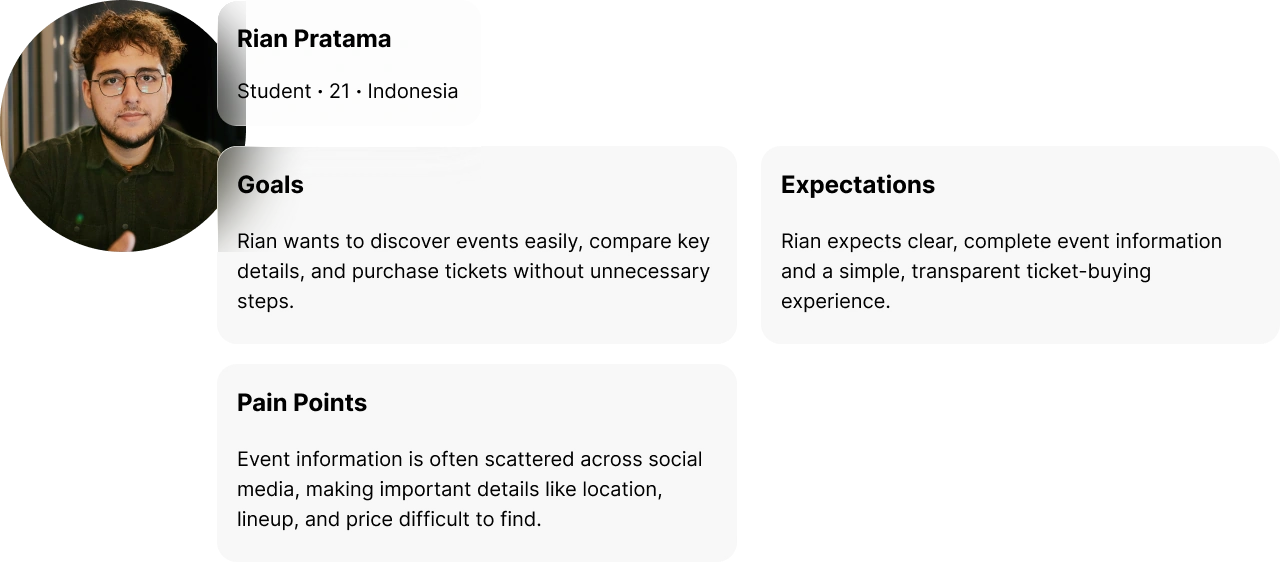
The primary user represents someone who discovers events through social media or recommendations and wants enough information to decide quickly whether an event is worth attending.
Structure
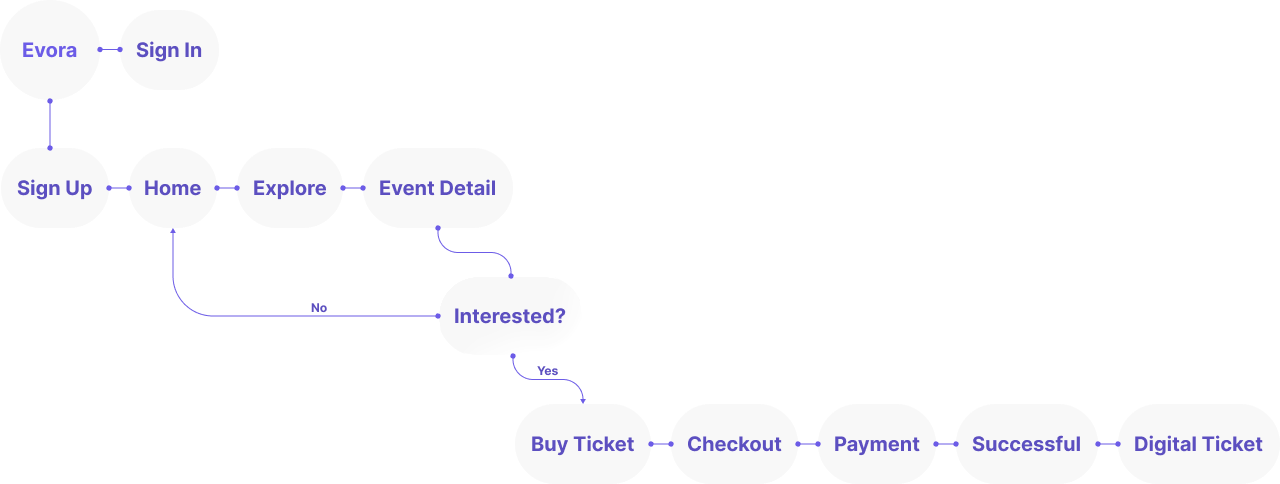
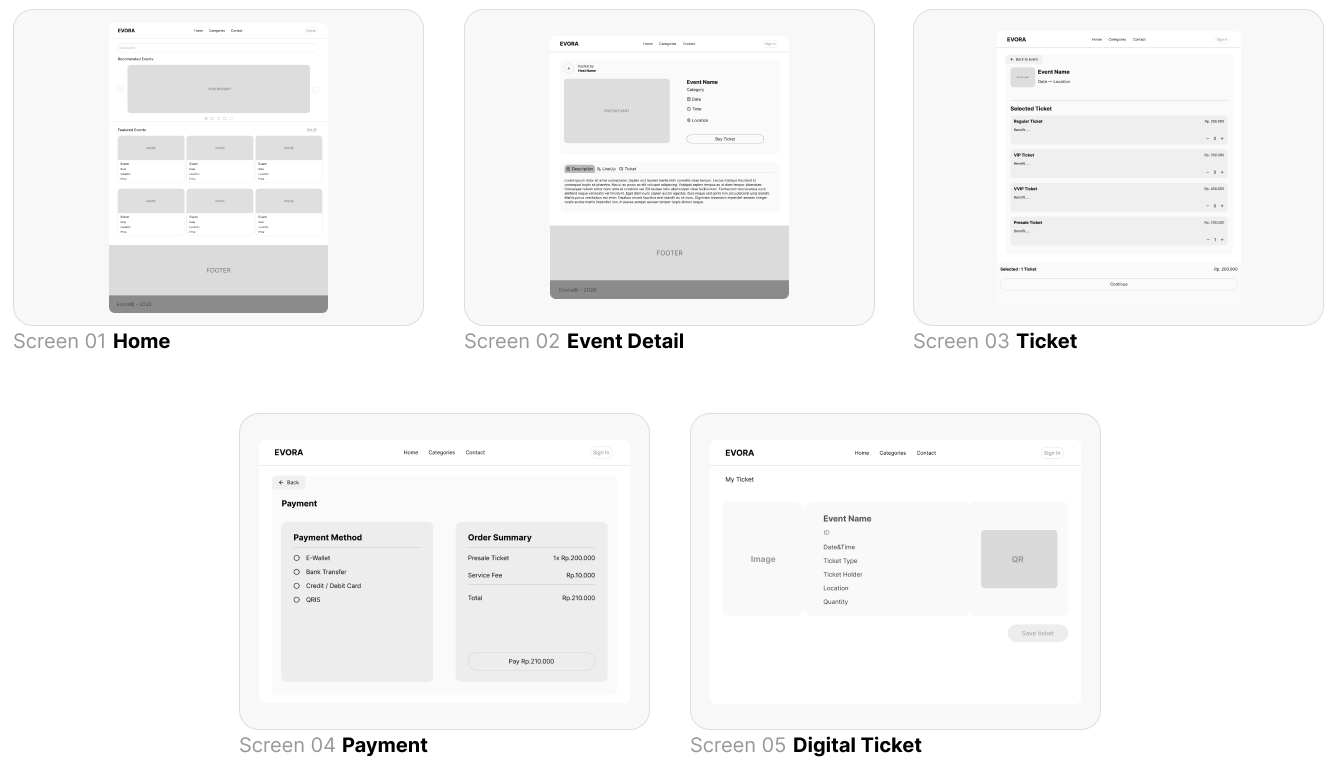
The flow guides users from discovering an event to reviewing ticket options, completing payment, and receiving their digital ticket.
Low fidelity
Early wireframes established the content hierarchy, responsive structure, and key interactions before moving into the final visual design.
Visual system
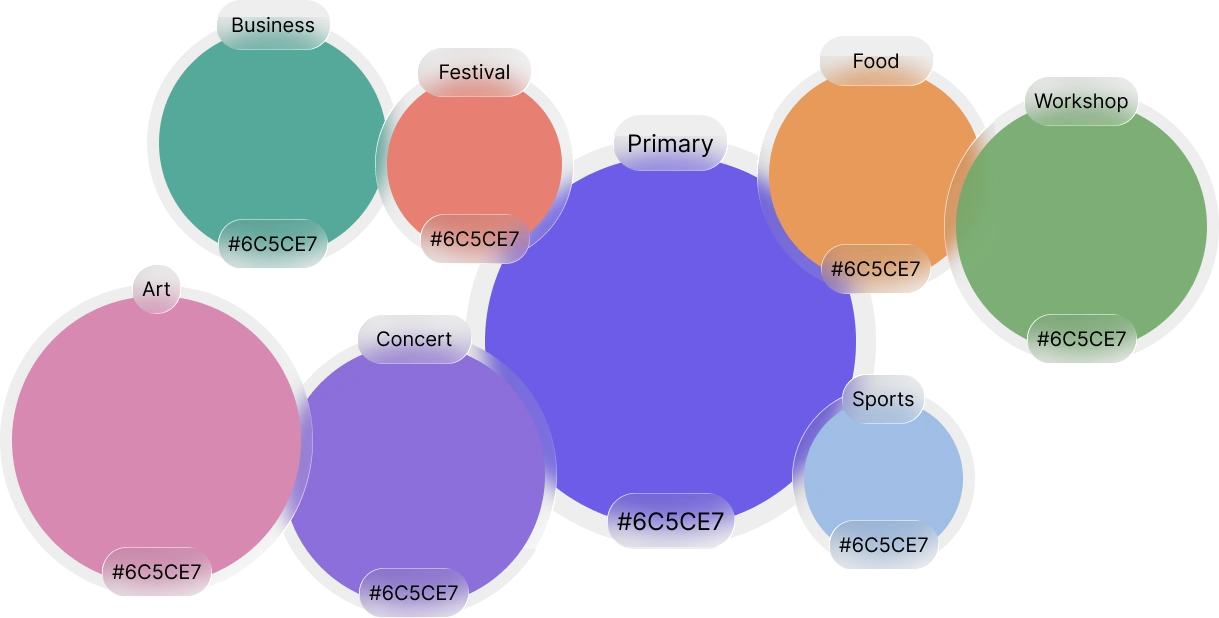
The visual system combines clear typography with category-based colors, giving different event types their own visual identity while keeping the overall experience consistent.
Responsive design
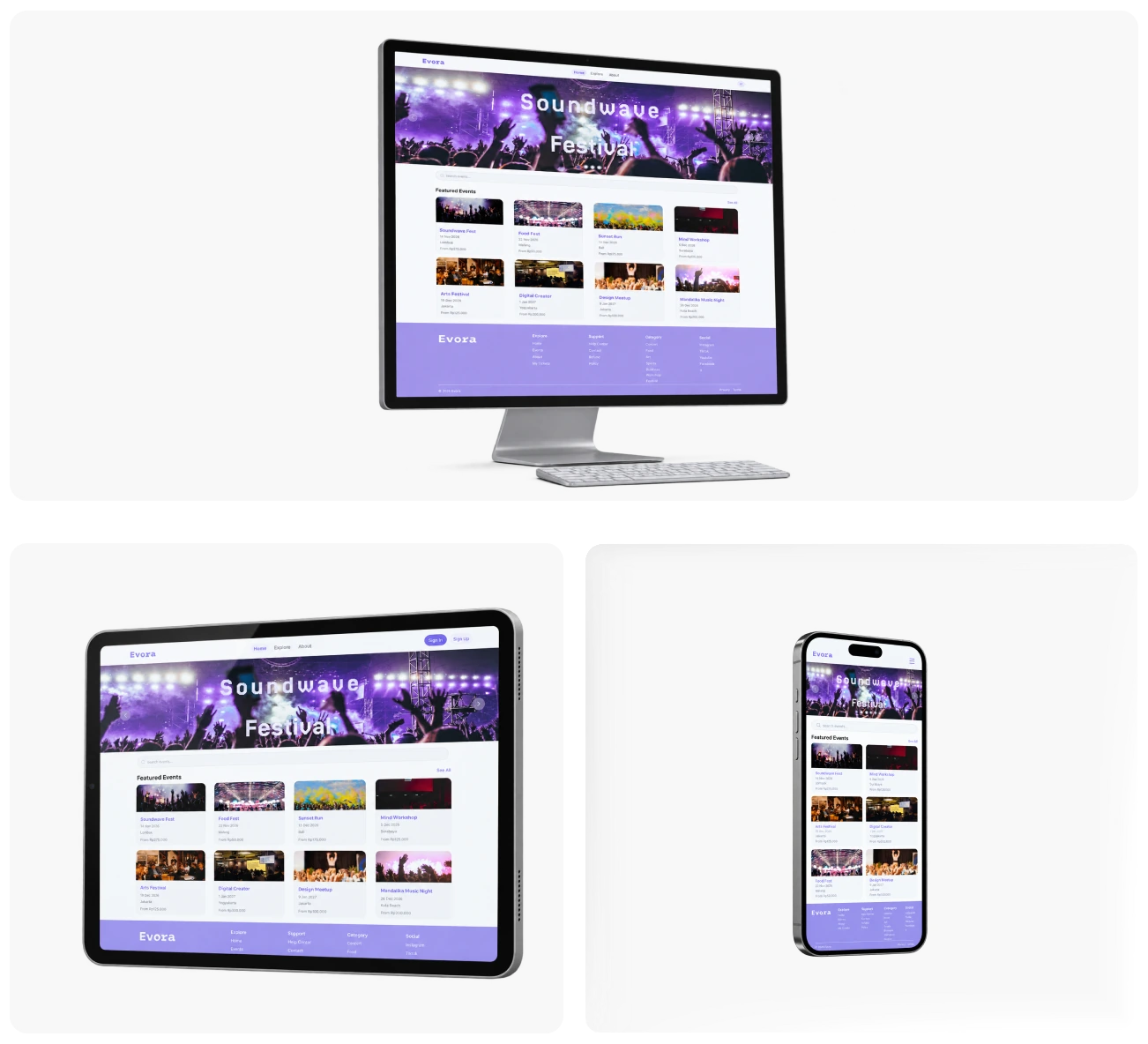
The interface was adapted across desktop, tablet, and mobile to preserve hierarchy, readability, and essential interactions across different screen sizes.
High fidelity
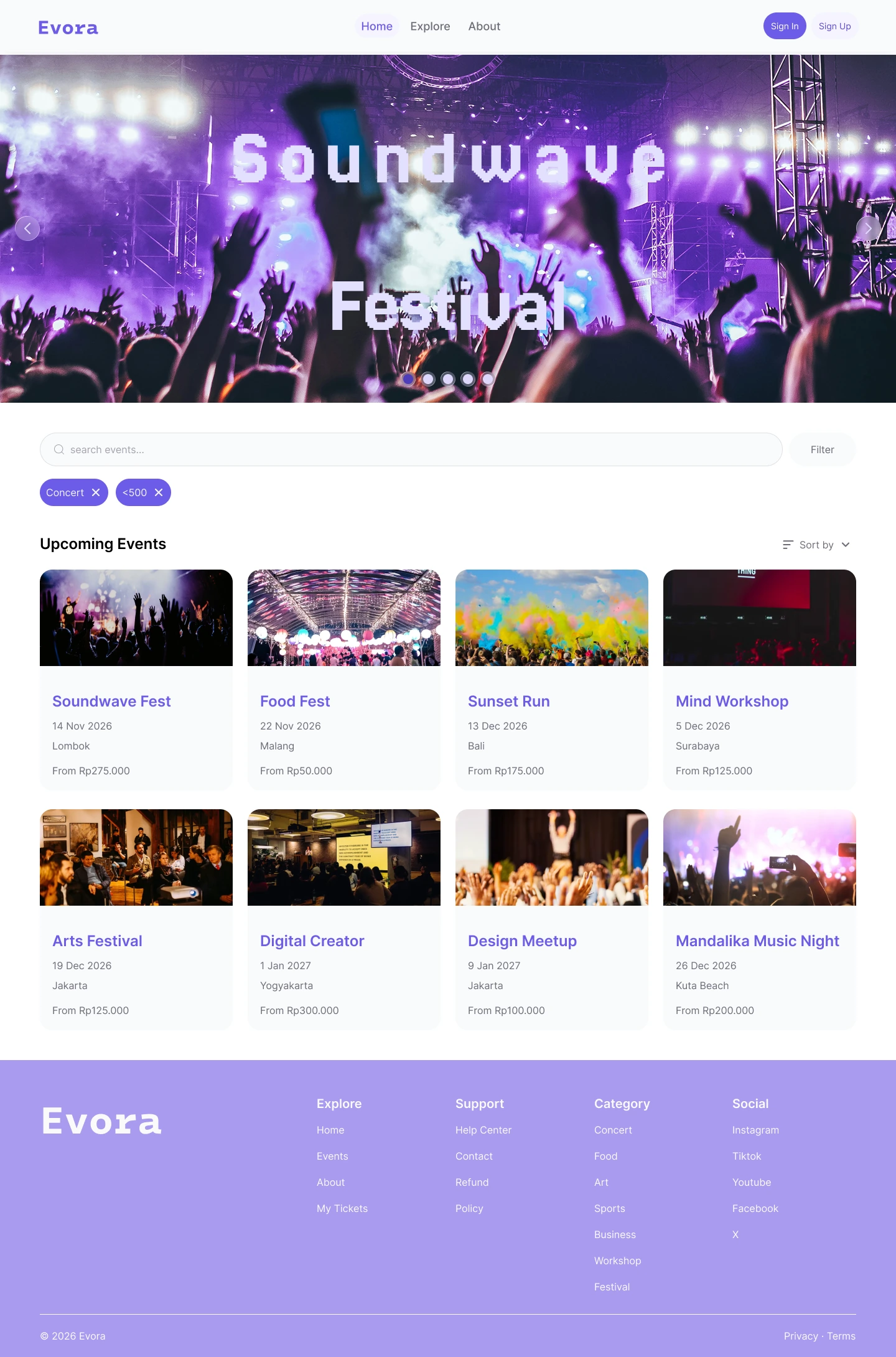
The final interface brings event discovery, event details, ticket selection, checkout, payment, and digital ticket access into one structured experience.
A clear starting point for discovering upcoming events, with categories, featured events, and exploration tools that help users quickly find relevant events.
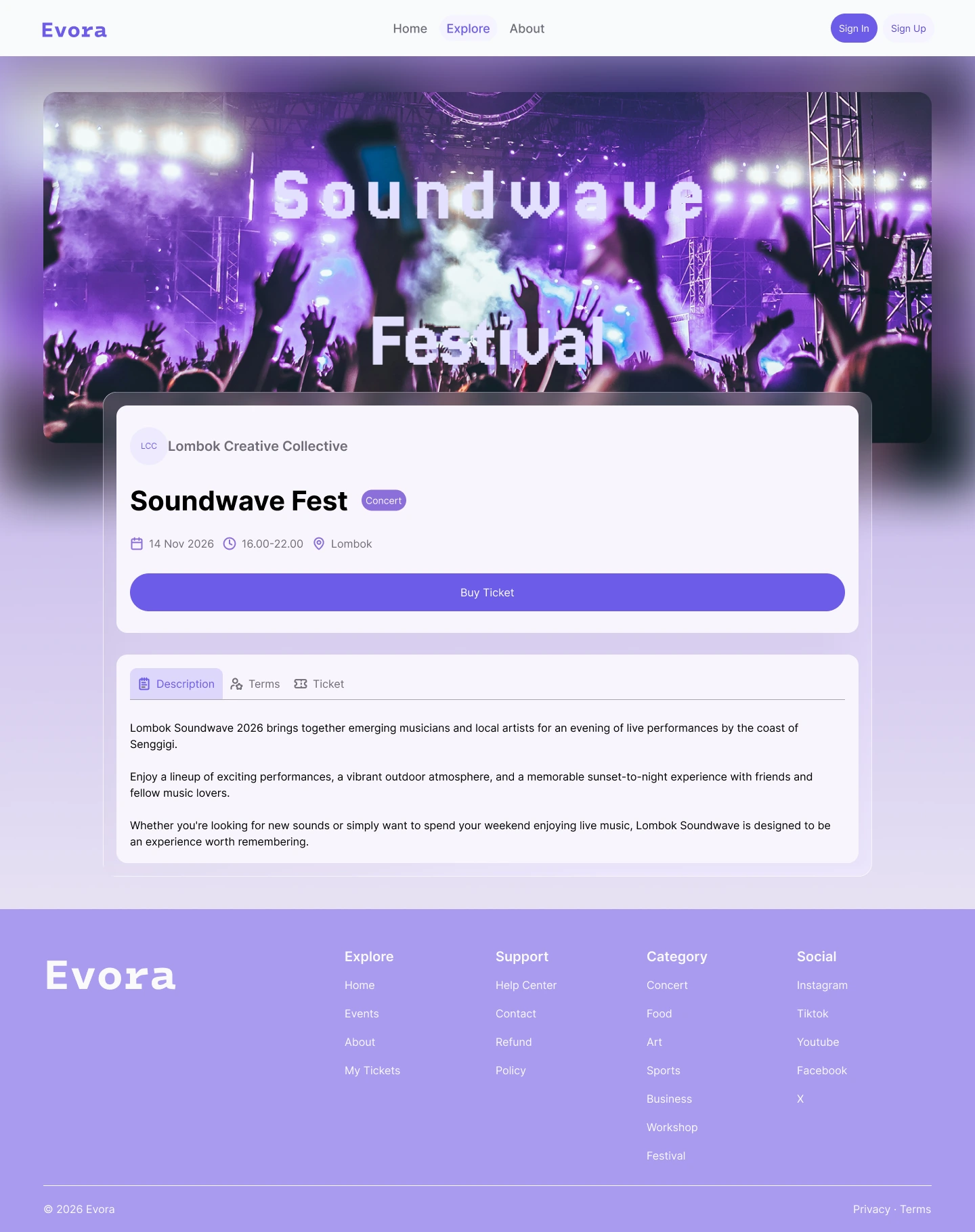
Important event information is brought together in one place, including performers, date, time, exact location, ticket pricing, and terms.
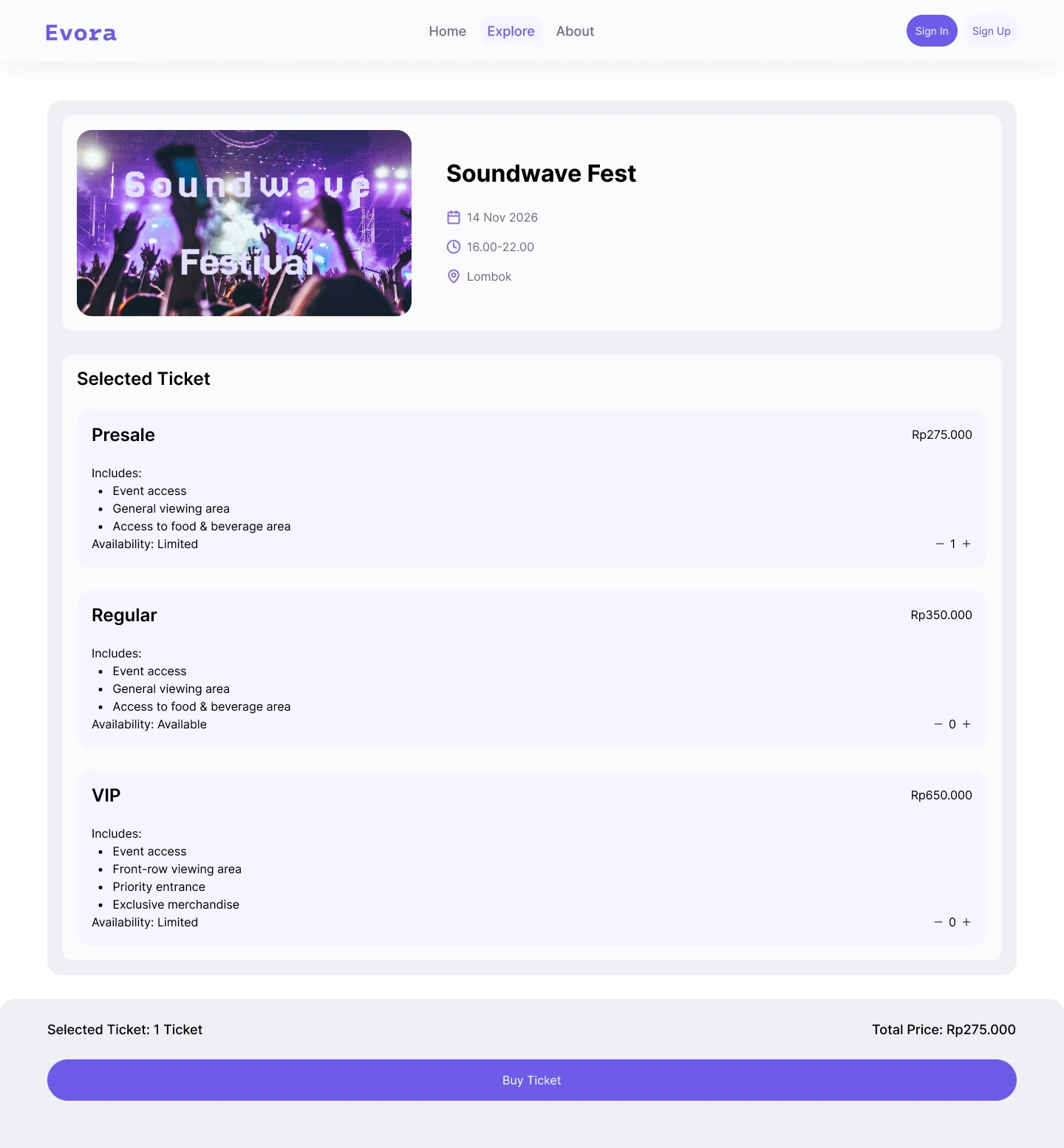
Users can review available ticket types and select the option that best fits their needs before continuing to checkout.
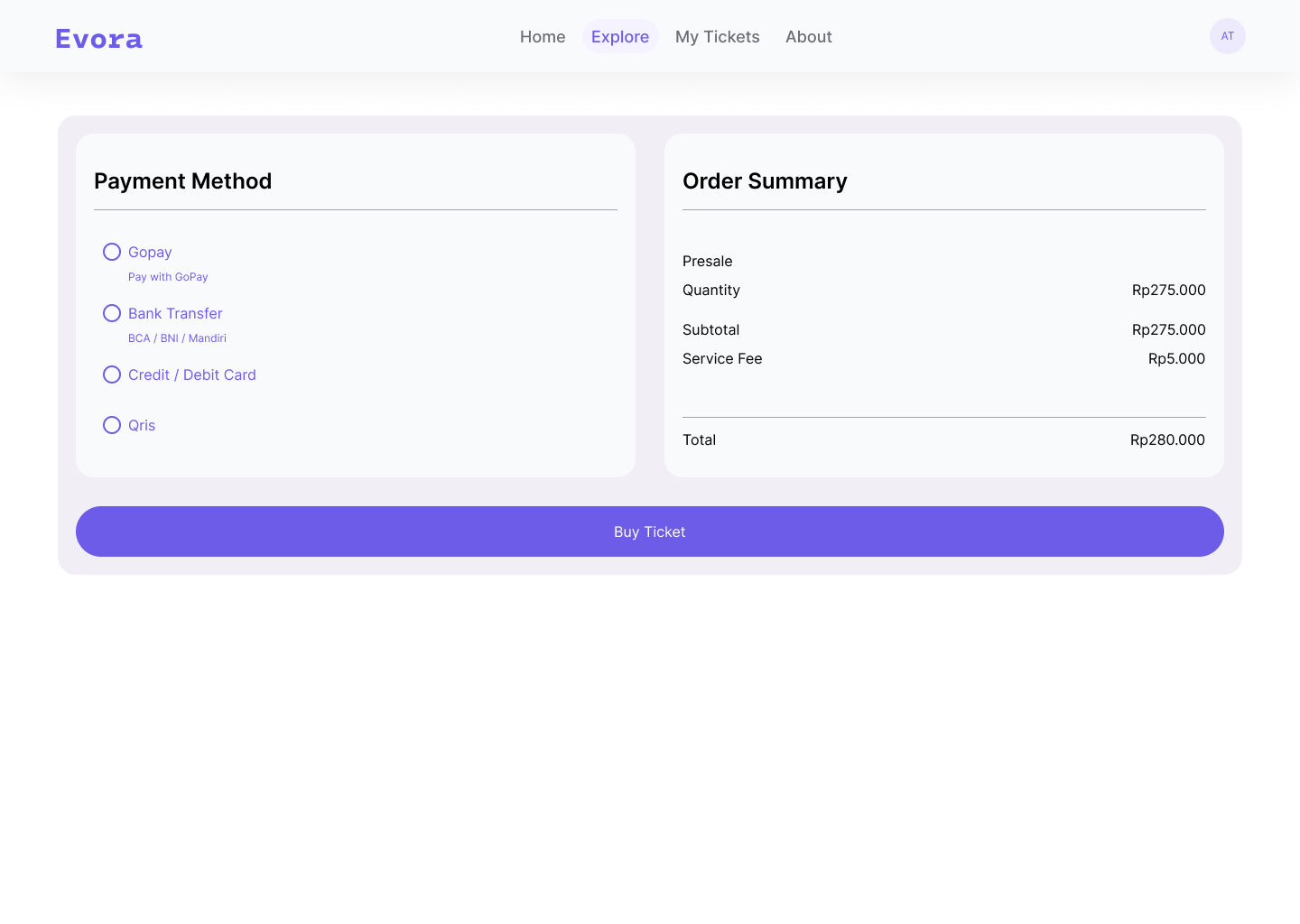
A focused checkout and payment experience lets users review their booking details and complete the transaction with minimal friction.
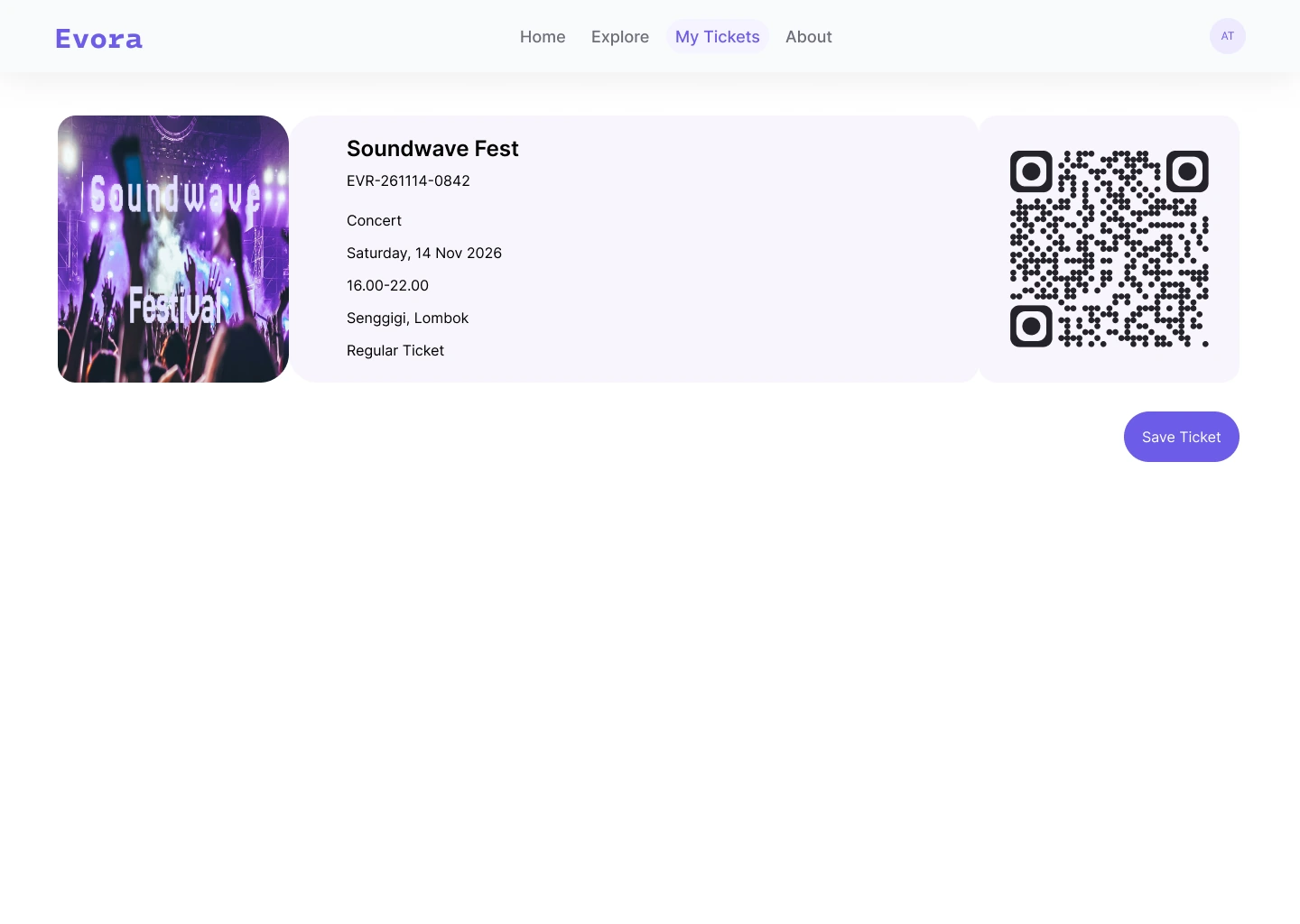
After completing the purchase, users receive a digital ticket containing the essential event information and QR code for entry.
Hope you enjoyed the process.
Next case study
A focused digital experience designed to simplify complex workflows through clear structure and thoughtful interaction.
Read case study: FlowForge