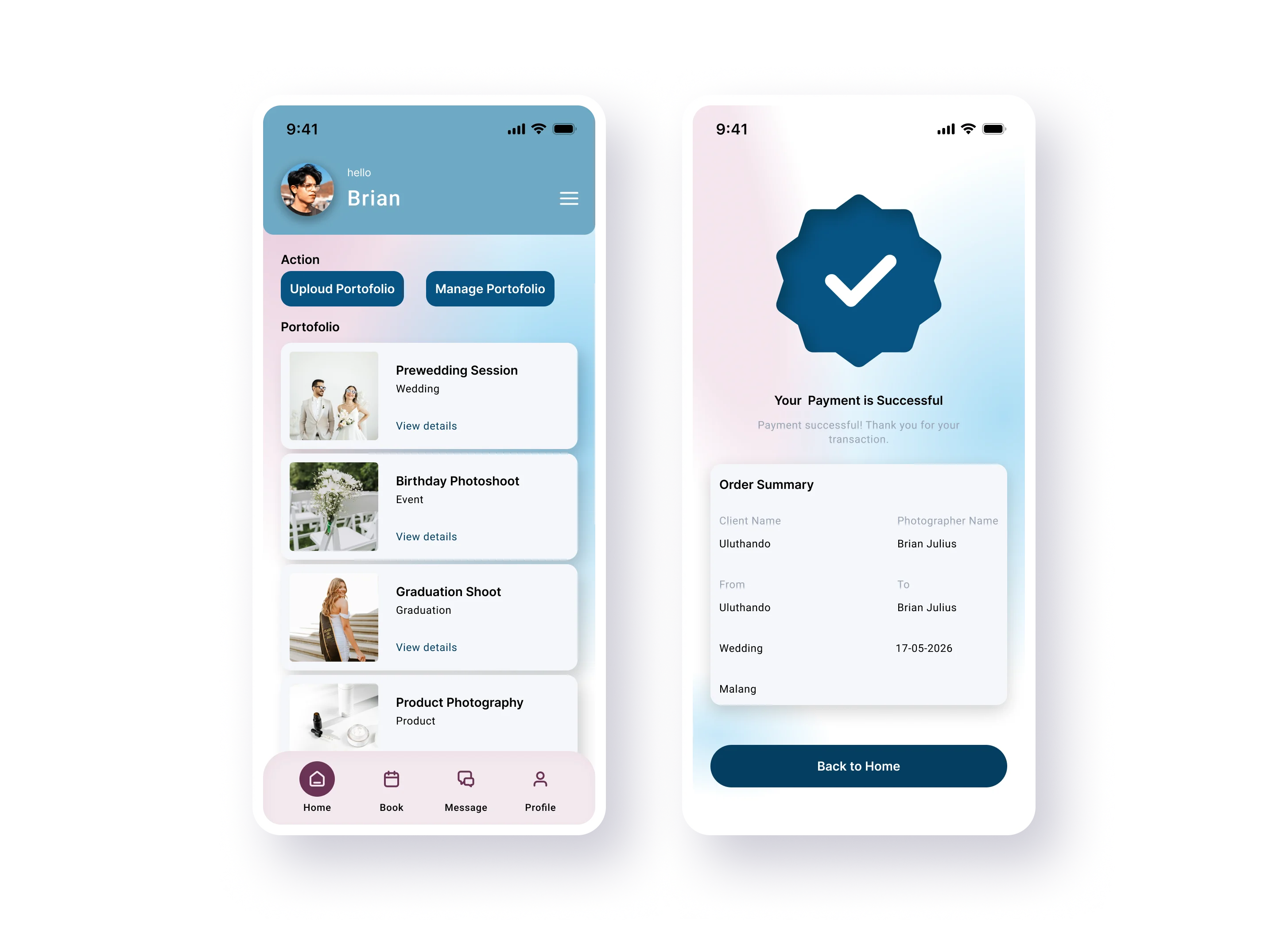
SnapHire
A booking platform designed to make finding and booking professional photographers simpler and more intuitive.
Read case study: SnapHireWorkCase study 03
A personal finance app that helps people track expenses, manage budgets, and reach their savings goals with clarity.
Overview
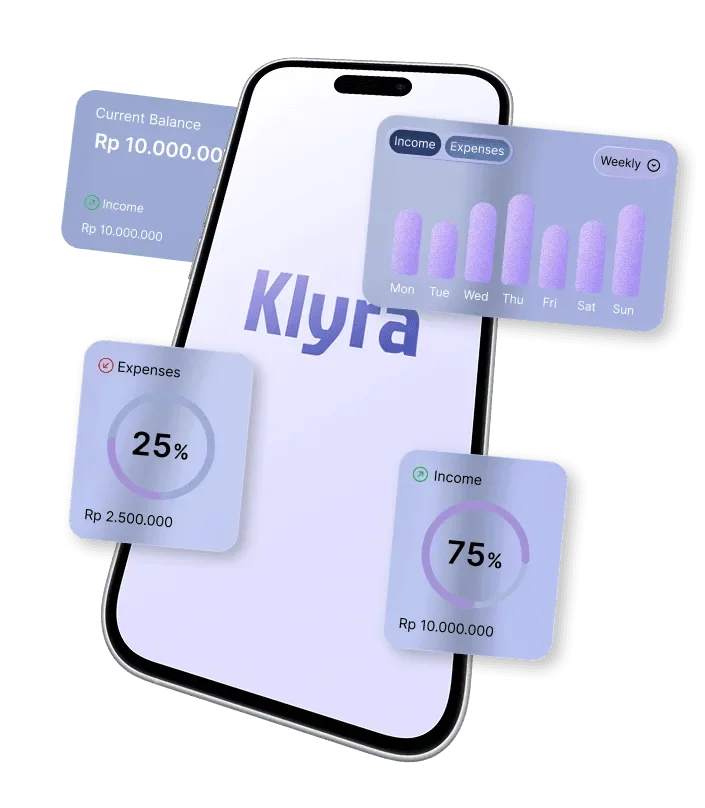
Klyra helps you track expenses, manage budgets, and achieve your financial goals easily — a simple way to take control of your money and build better financial habits with confidence.
Design process
19 days total
Problem → Solution
Problem
Managing personal finances is hard when people lack a clear picture of their spending patterns — making it difficult to control costs, create budgets, and reach financial goals.
Solution
Klyra helps users understand their financial habits through expense tracking, budget management, and savings goals — in one simple experience.
Persona

Goals & motivation
Wants to manage monthly finances better, track spending habits, and save money for personal goals with more control.
Expectations
A simple finance app to track transactions, manage budgets, and understand where money goes — without complicated processes.
Pain points
Often loses track of daily expenses, struggles to control small spending, and finds it hard to keep consistent budgeting habits.
Structure
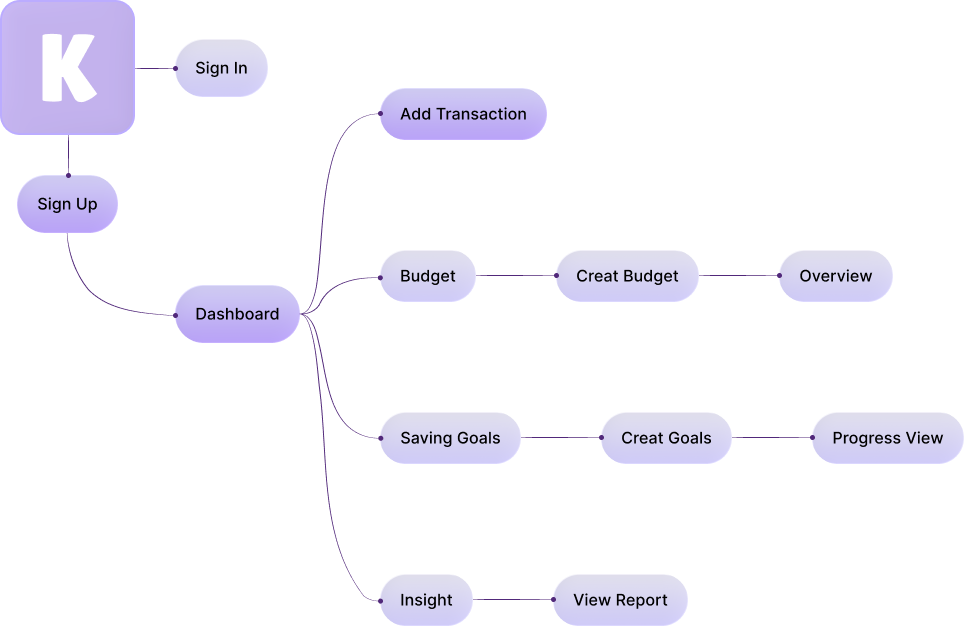
From onboarding to daily use: record a transaction, see it reflected in budgets and insights, and watch savings goals move.
Low fidelity
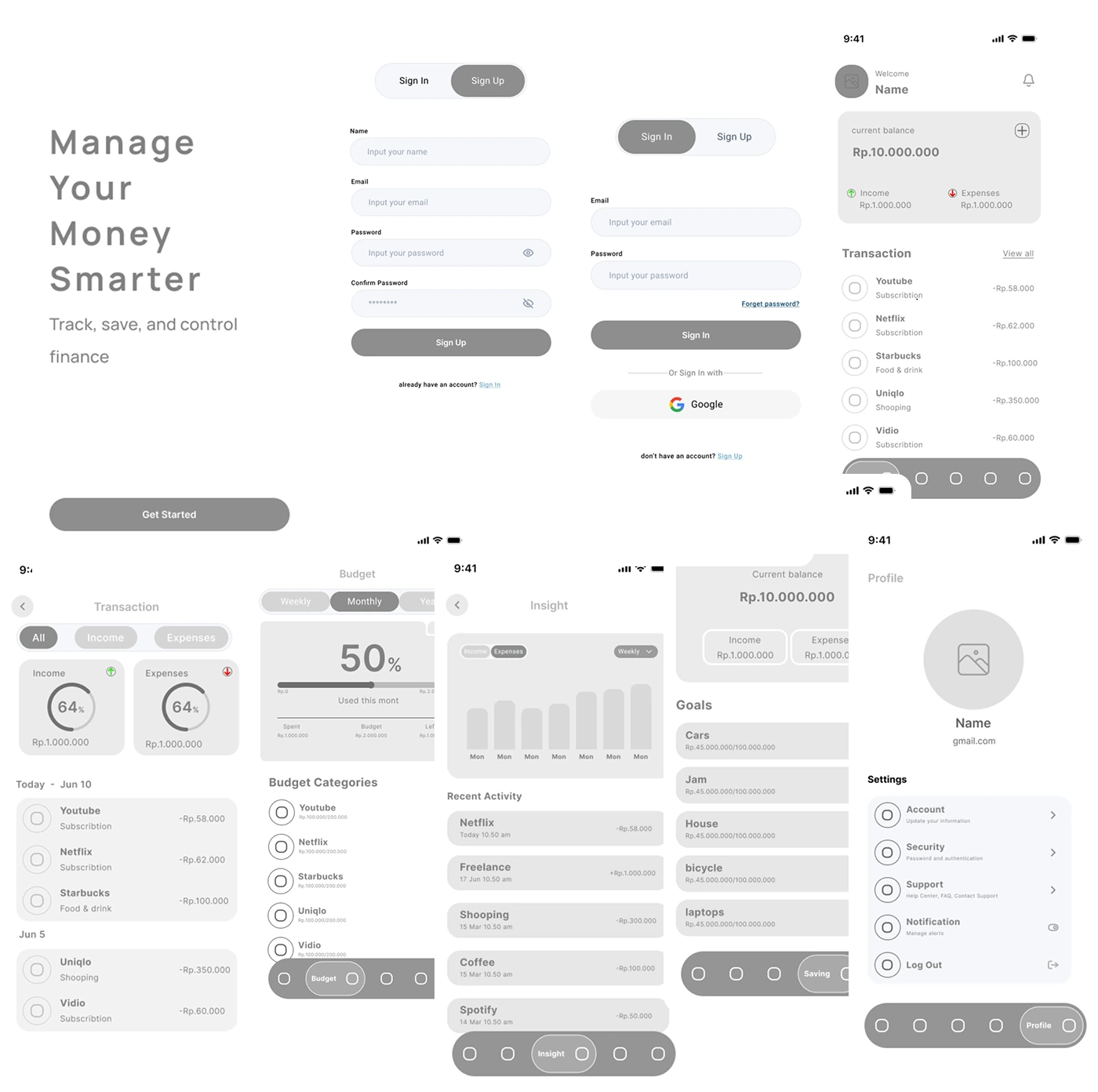
The wireframes define Klyra's core structure and flow — clear navigation, intuitive interactions, and a simple layout — before moving into the final visual design.
High fidelity
The main experience across authentication, dashboard, transactions, budgeting, insights, savings, and profile.
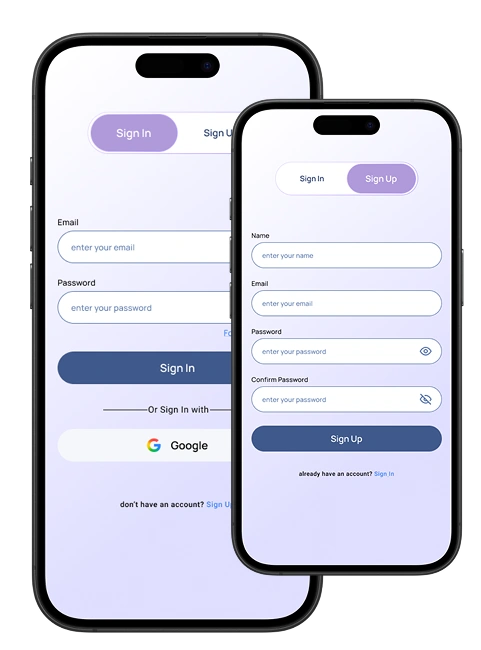
Secure, intuitive registration and sign-in so users can access and manage their finances safely.
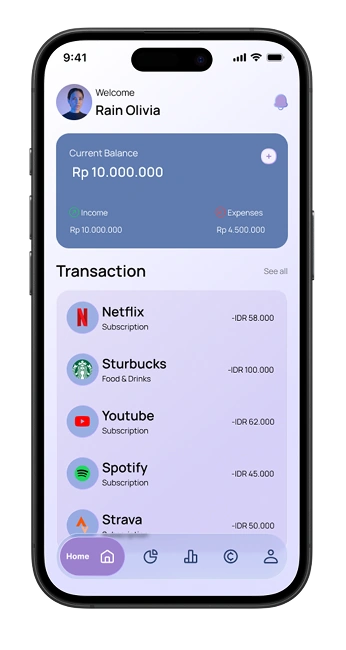
A clear overview of balances, recent transactions, and financial activity from a centralized home.
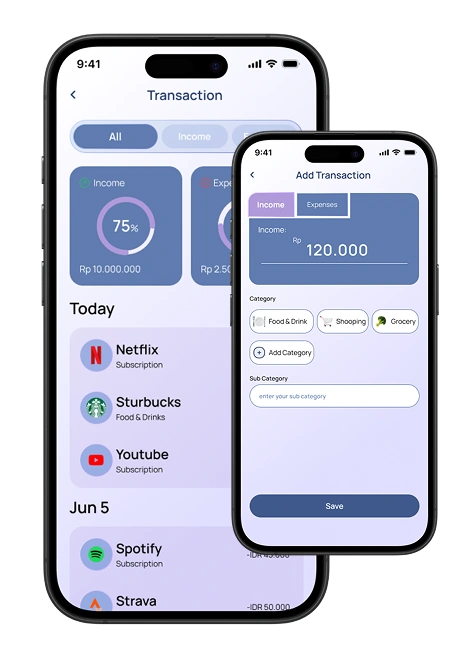
Record income and expenses effortlessly while keeping every transaction organized and easy to manage.
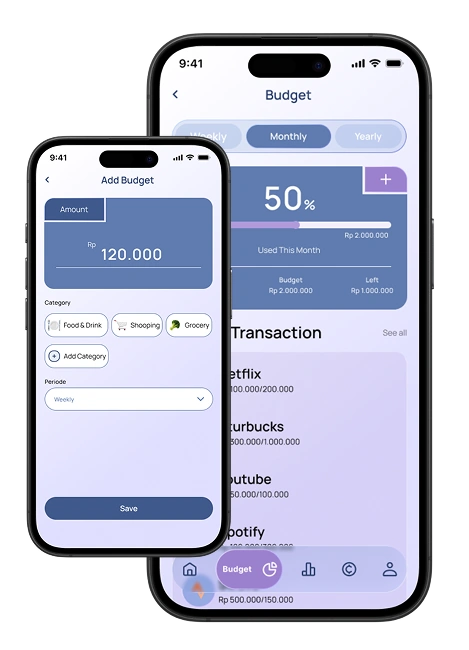
Set spending limits, organize budgets by category, and monitor expenses to stay on track.
Visualize spending patterns and trends through clear analytics that support smarter decisions.
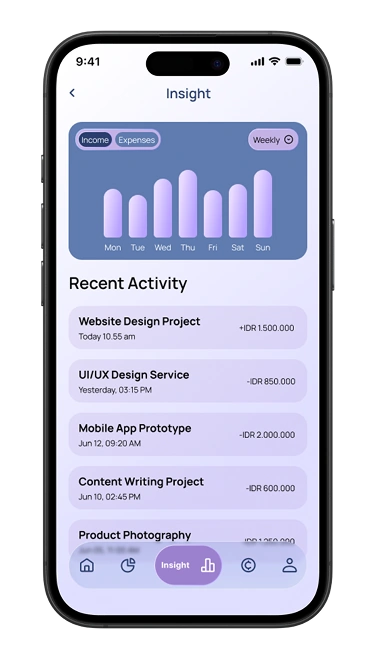
Create savings goals, track progress, and build better financial habits with dedicated saving management.
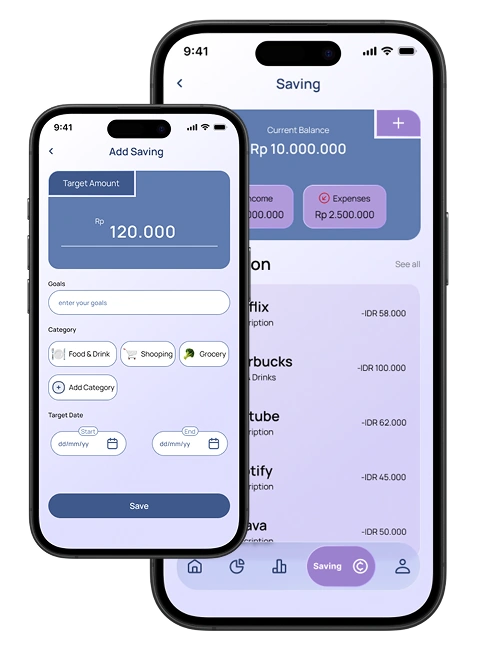
Personalize preferences, manage security settings, and customize the overall app experience.
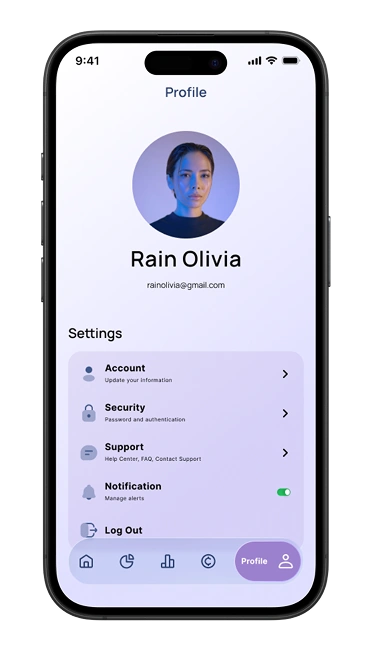
And more
Additional screens support a complete personal finance experience, covering every stage of the user's financial journey.
Next case study
A booking platform designed to make finding and booking professional photographers simpler and more intuitive.
Read case study: SnapHire